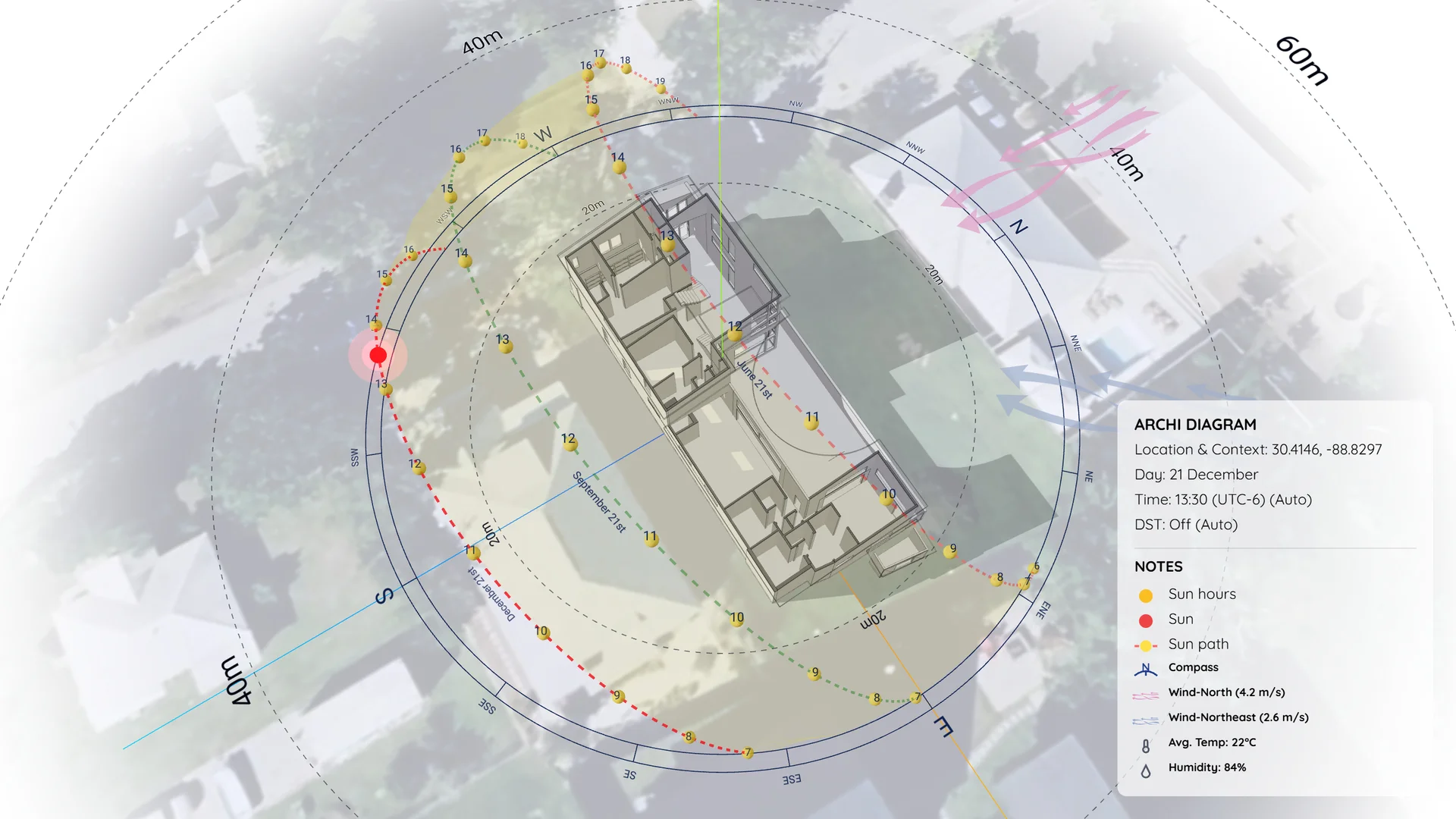
Tutorial: How to Create a Shadow Diagram in ArchiDiagram
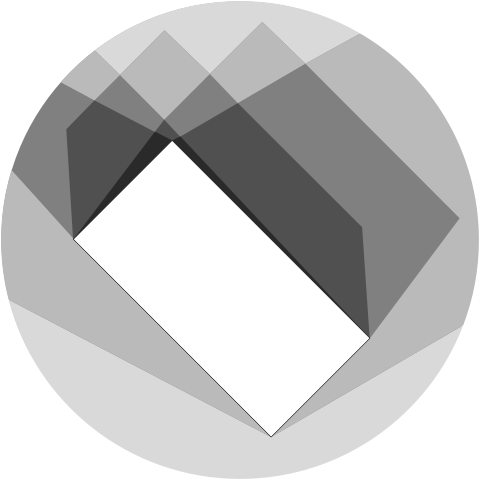
Learn how to create clean, accurate 3D shadow and sun path diagrams using ArchiDiagram App. A step-by-step workflow from SketchUp export to material transparency and cinematic animation.
Generate instant site context, perfectly accurate sun paths, and animated diagrams in seconds. The power of pro software, right in your browser.
Express Mode Auto-Setup
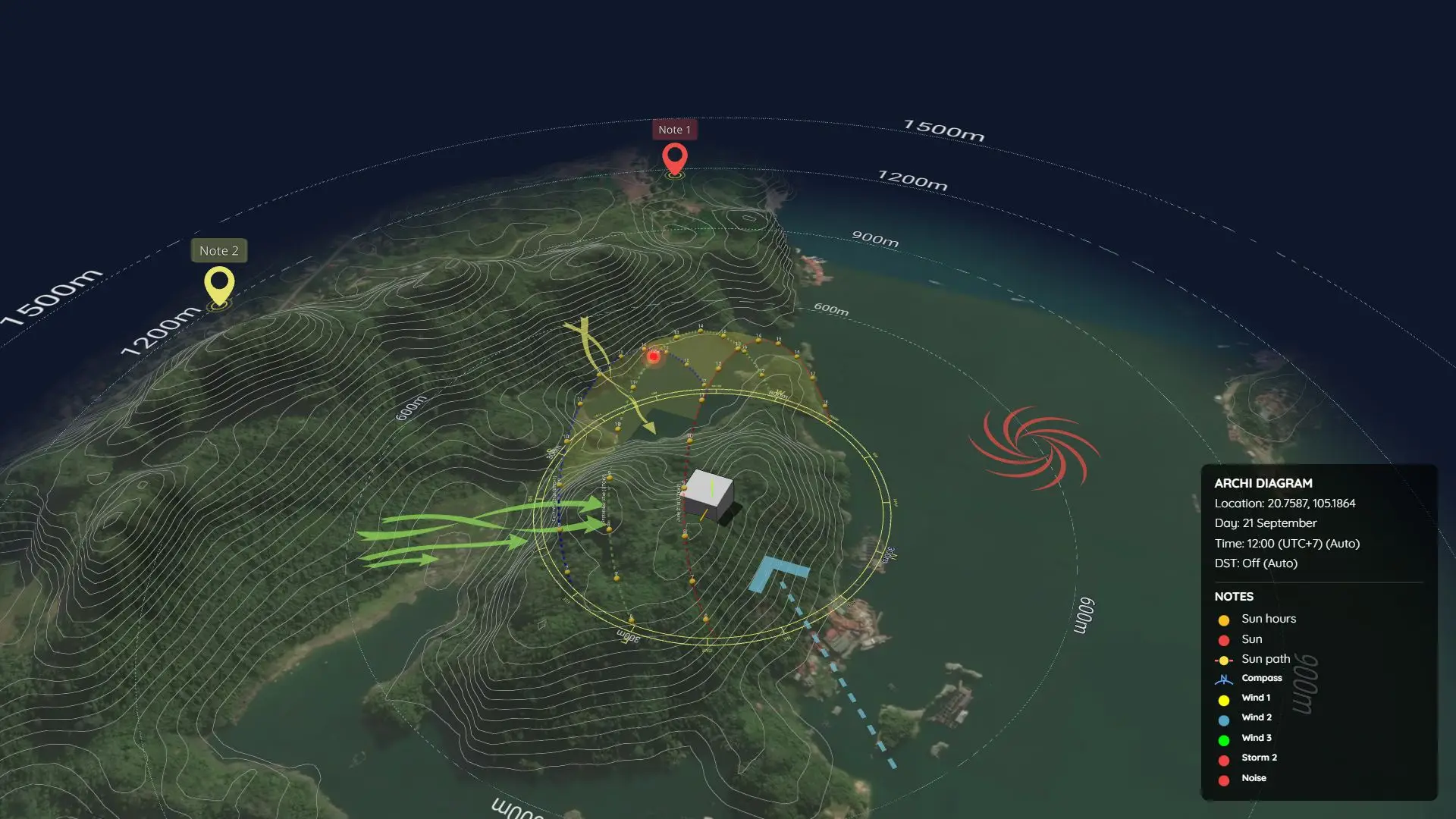
Say goodbye to manual configurations! Simply enter your project's address and let Express Mode instantly generate a fully optimized solar and wind diagram completely for FREE. We automatically sync with NASA climate databases to provide highly accurate, location-based wind arrows and weather data, saving you 90% of setup time.
Design on the go. Archi Diagram Web App is fully optimized for touch displays. Pan, zoom, and draw seamlessly on your iPad without installing any software.
3D Context Buildings
Terrain Contours
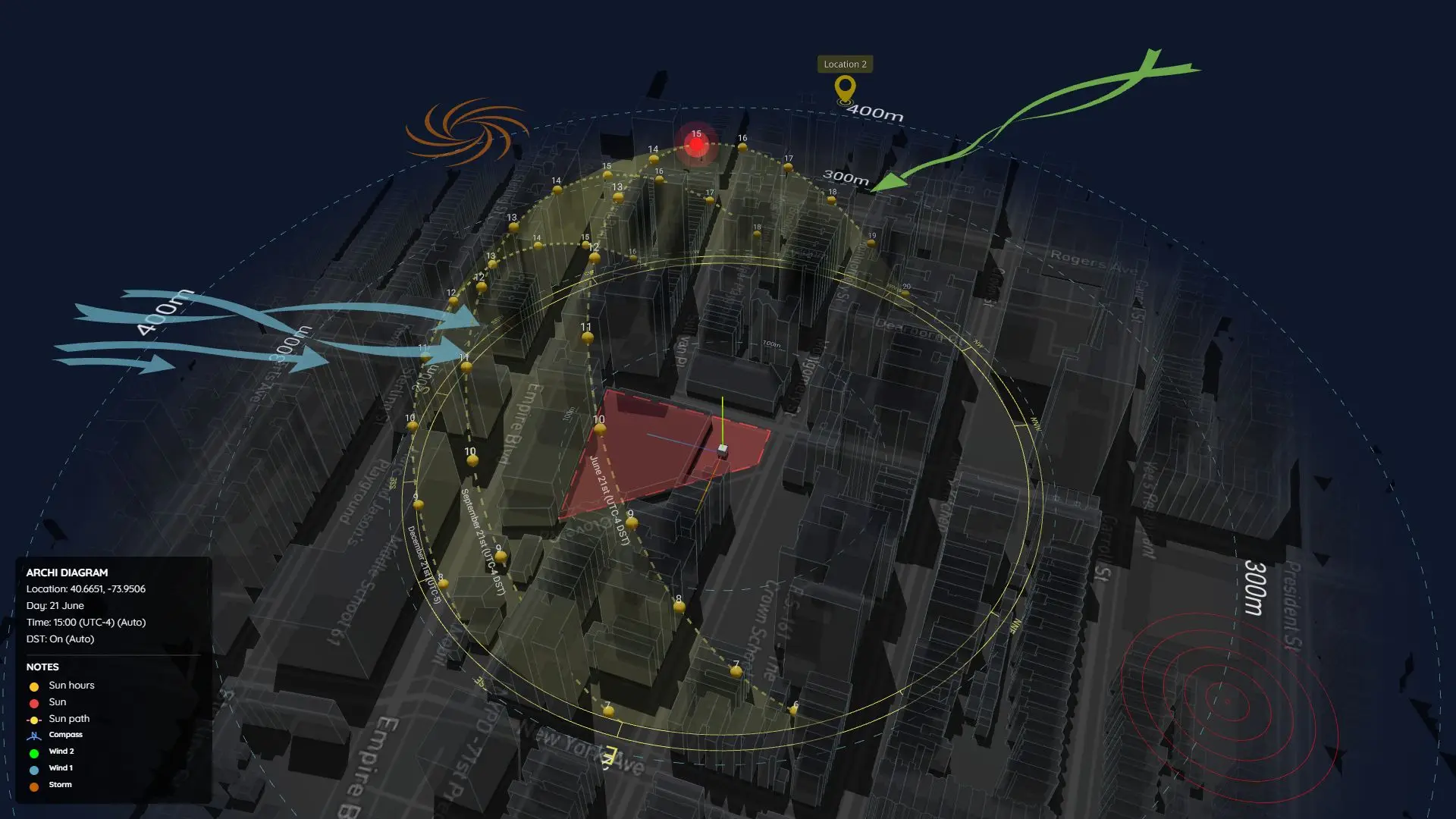
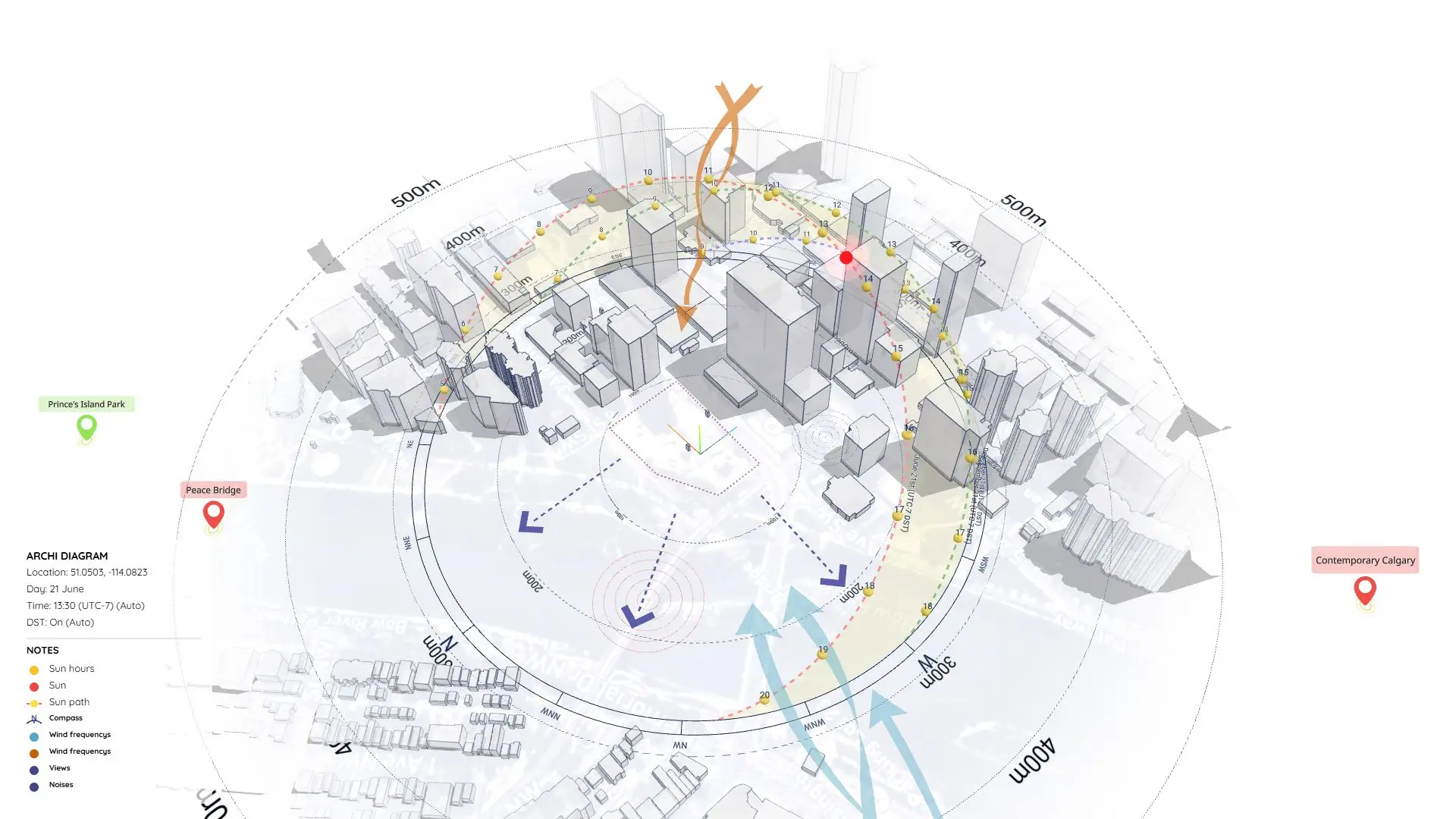
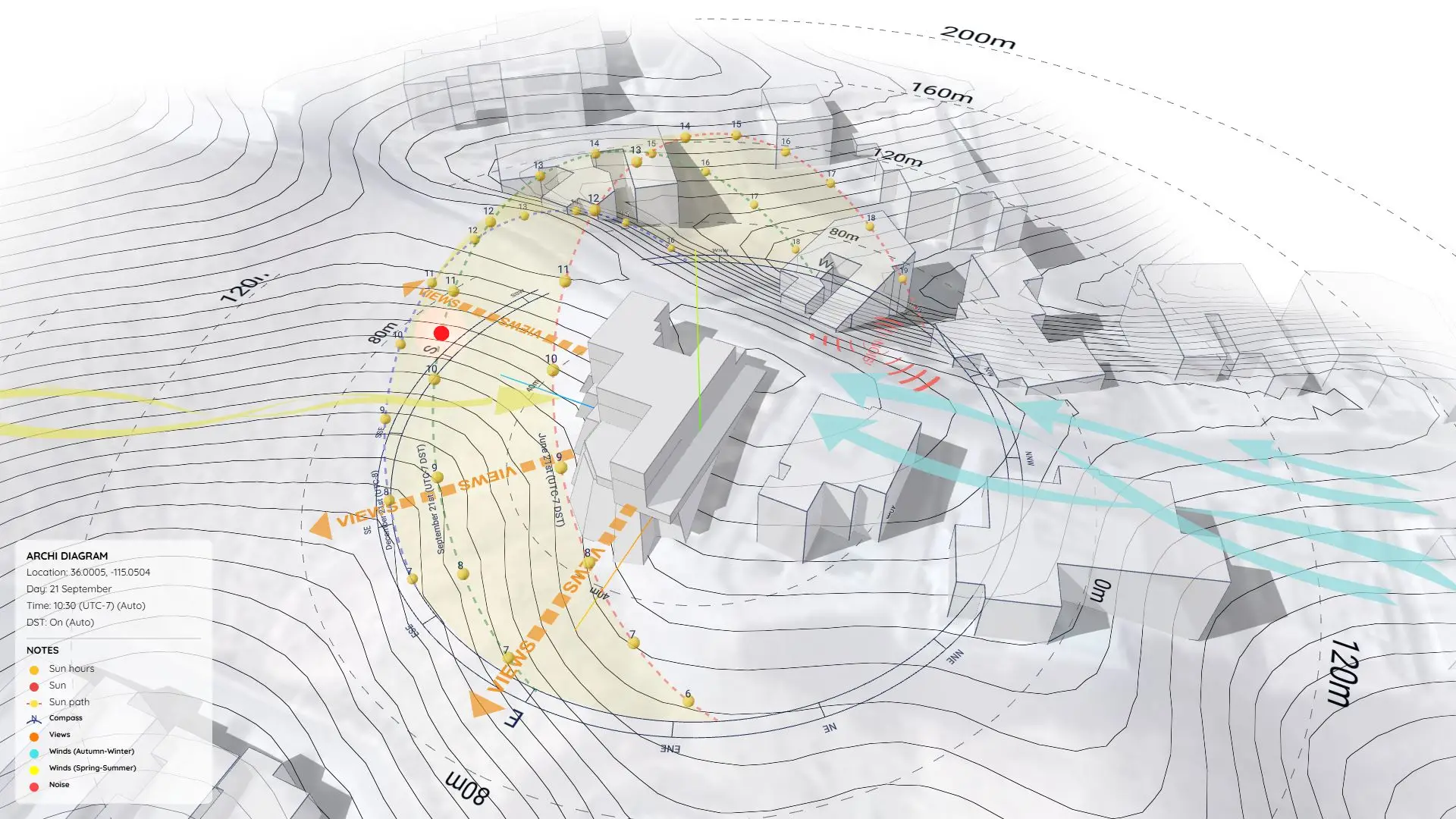
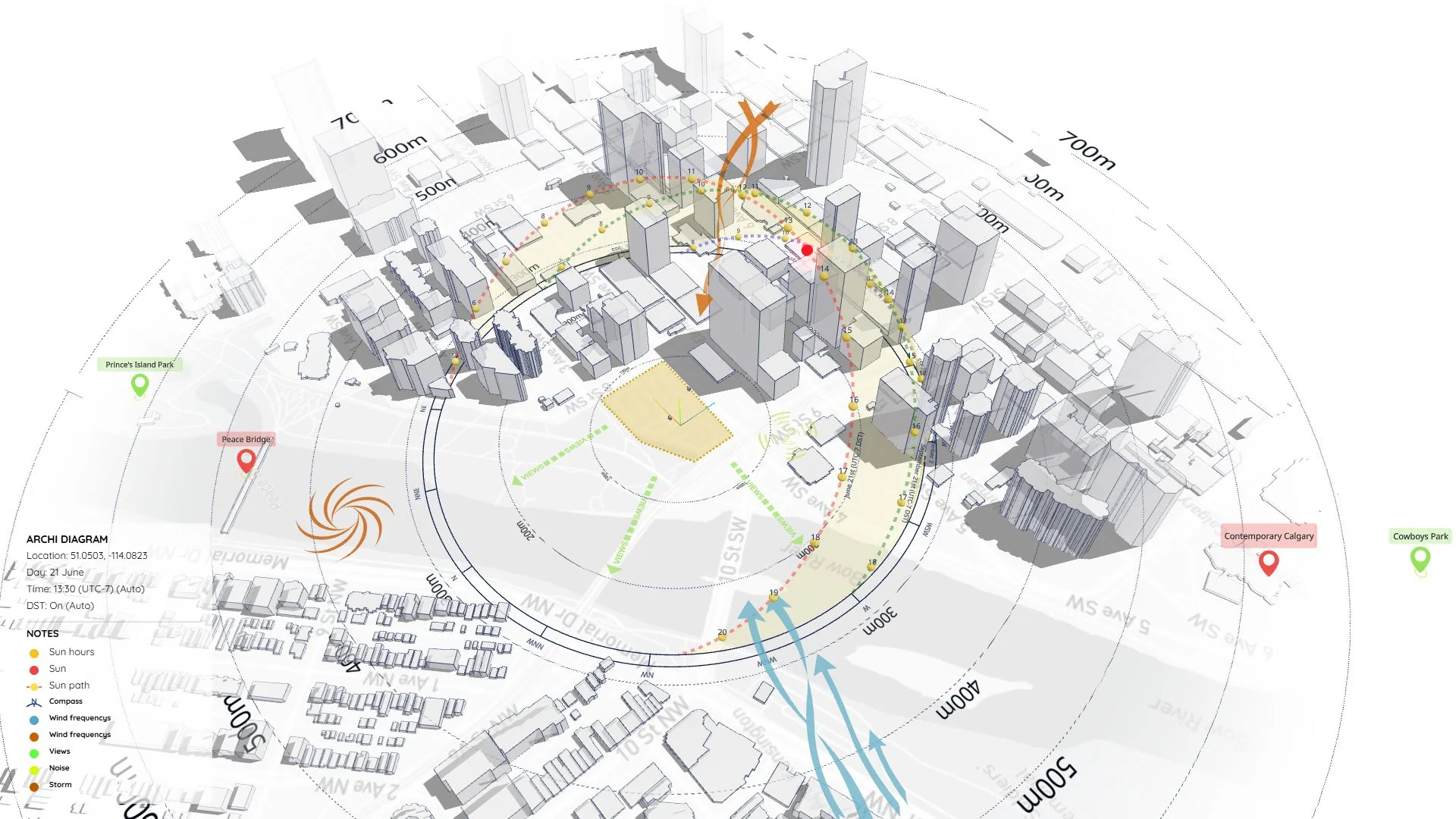
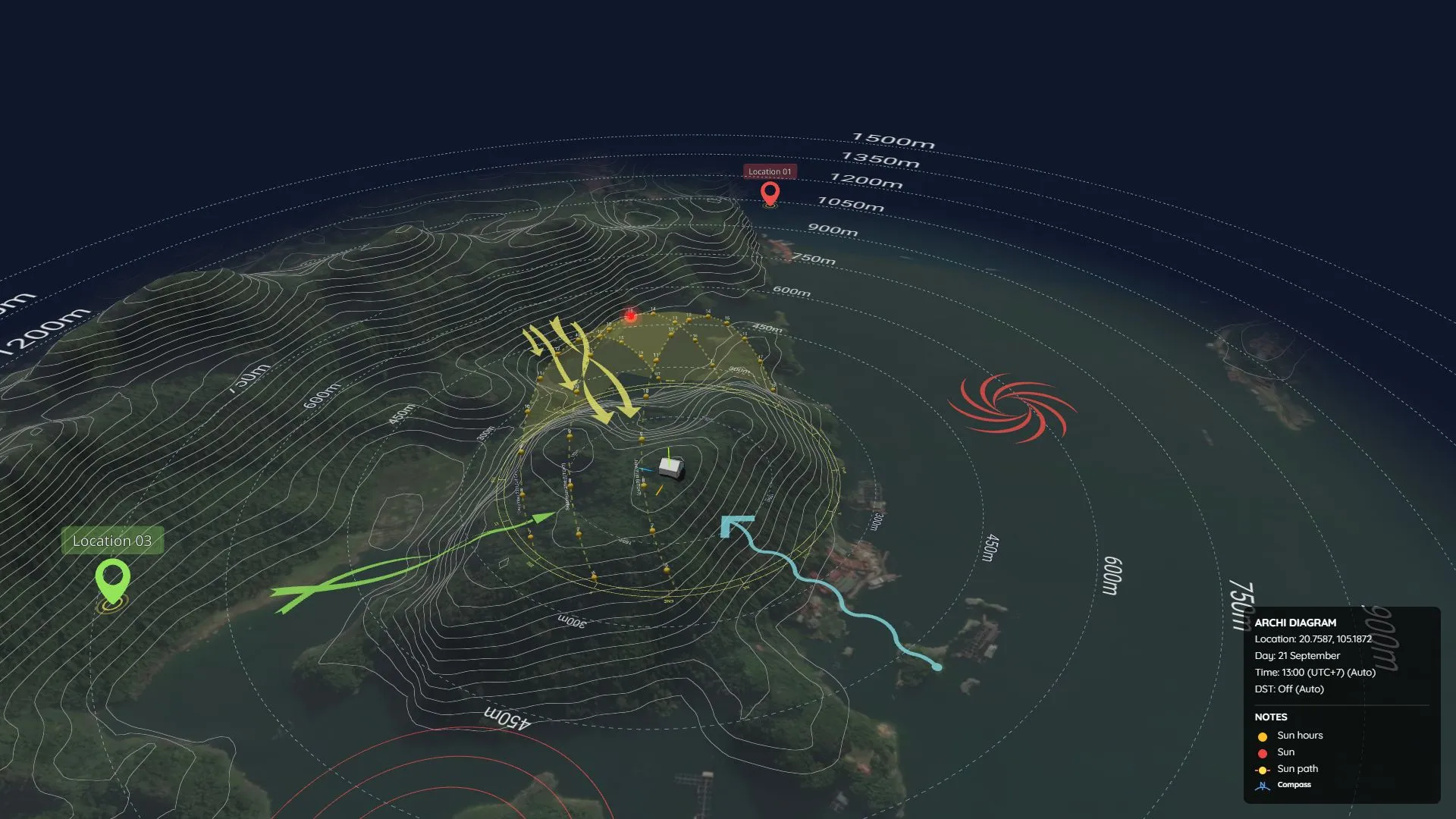
Stop wasting hours modeling surroundings. Simply type an address, and ArchiDiagram instantly fetches perfectly scaled 1:1 satellite maps, 3D context buildings, terrain elevation, and contour lines for your site.
Auto-Generate by Location
Customizable Styles
Get 100% physically accurate solar analysis anywhere on Earth. The sun path dynamically updates based on your coordinates and auto-adjusts for Timezones and Daylight Saving Time. Fully customize the look to match your presentation style.
Interactive 3D Objects
Drag and drop from our expanding library of dynamic, architectural-grade symbols. Add wind arrows, compasses, and annotations instantly. Modify scale, shape, and color on the fly with buttery-smooth transitions.
Viewport & Visual Settings
Tailor the 3D viewport to your exact presentation needs. Instantly switch between Light & Dark themes, customize background colors, toggle grid lines, and manage on-screen HUD notes with absolute precision.
Render Cinematic Videos & PDFs
Ready to present? With just a click, automate the final product. Render stunning high-res images, PDFs, or even cinematic 360Β° video fly-throughs with animated shadows directly from your browserβno external rendering engines needed.
Follow our step-by-step tutorials to master site analysis, solar studies, and architectural diagrams in minutes.

Create site diagrams for flat urban areas with surrounding 3D buildings.

Generate site analysis diagrams for mountainous and complex topography.

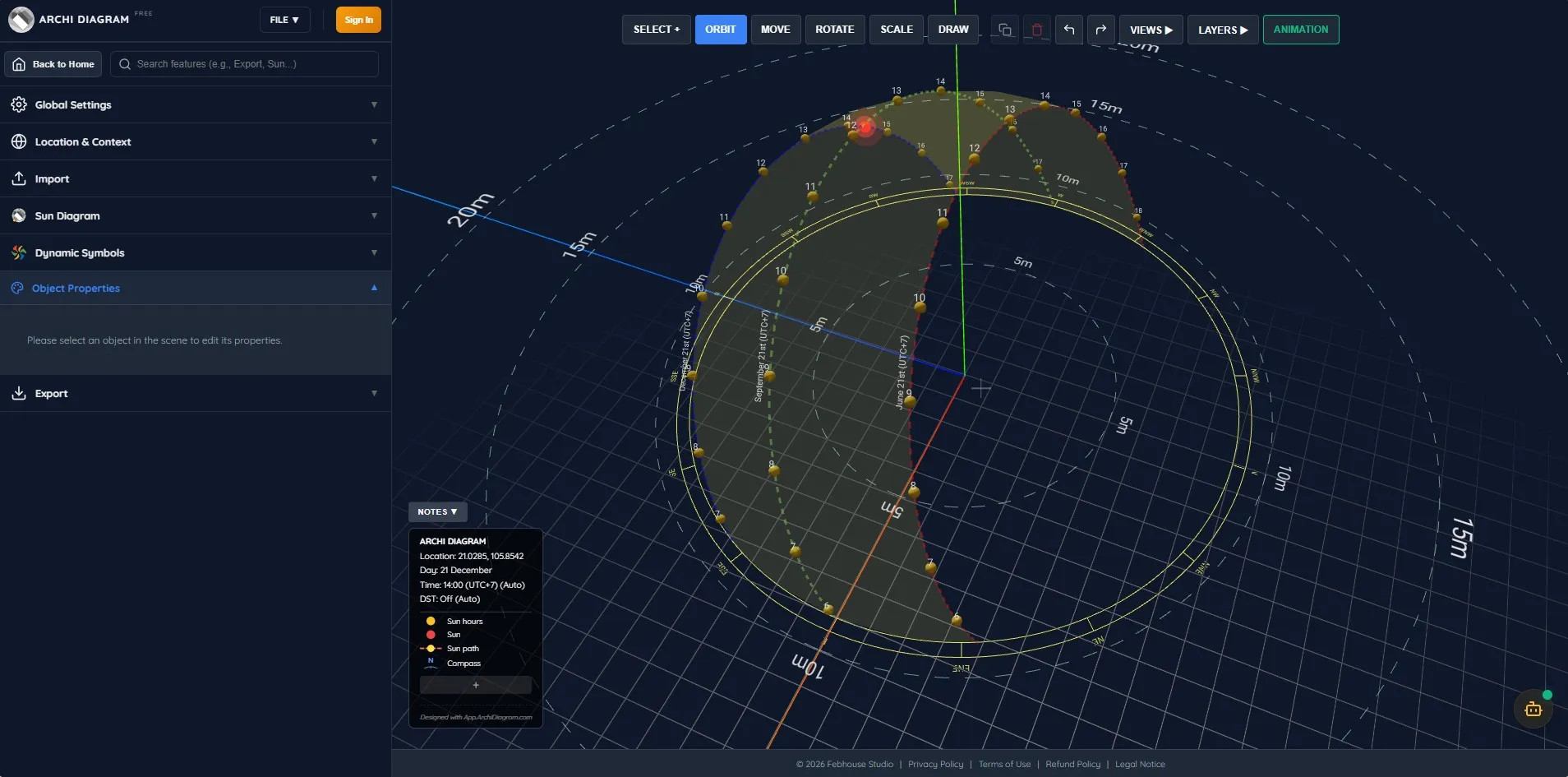
Architectural microclimate and shadow study. Inspect seasonal solstice shadows, daylight ingress, and solar exposure across building facades.

Master every tool, slider, and setting in the ArchiDiagram Web App.
Explore professional diagram examples created entirely within our web platform.

Learn how to create clean, accurate 3D shadow and sun path diagrams using ArchiDiagram App. A step-by-step workflow from SketchUp export to material transparency and cinematic animation.

Learn how to build stunning, animated site analysis and context diagrams directly in your browser. Master sun paths, topography, and motion symbols with Archidiagram.

Surrounding Buildings Diagram for ArchiDiagram App. Analyze urban massing, building heights, and solar access with this professional 3D sample file.

Urban Site Analysis Diagram for ArchiDiagram App. Master the workflow for high-density contexts, 3D sun paths, and wind flow analysis.

Climatic Site Analysis in ArchiDiagram App. Master the workflow for solar orientation, topography analysis, and wind patterns on sloped terrain.

Template for Site analysis using ArchiDiagram App.
Everything you need to know about the Archi Diagram Web App.